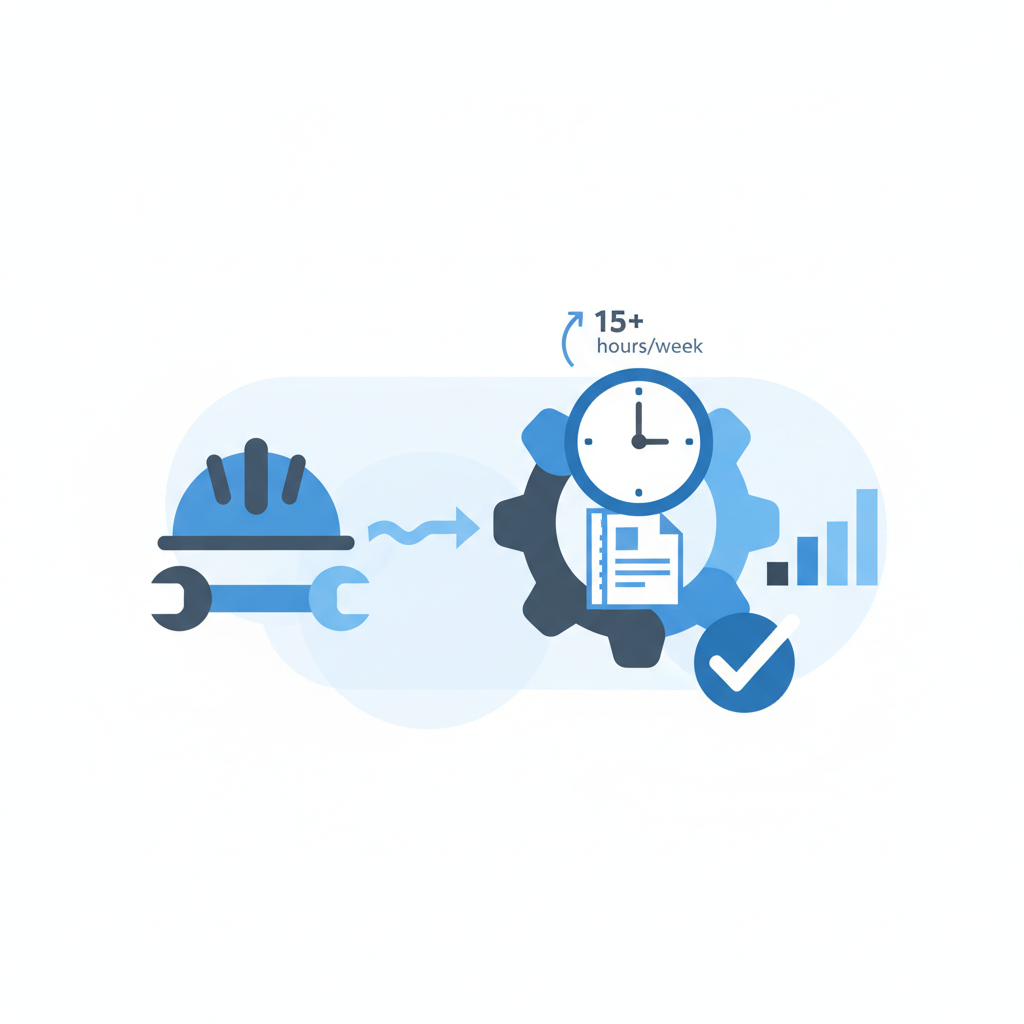
TL;DR. Generic HR platforms fail construction firms. The operational environment—distributed job sites, complex compliance, and high-risk labor—demands specialized tools. HR software for construction companies directly addresses these challenges by integrating mobile-first time tracking with GPS, automated certified payroll for Davis-Bacon Act compliance, and centralized safety management for OSHA reporting. Platforms like Arcoro, Procore's construction financials, and Viewpoint HR Management consolidate workforce data, breaking down the disconnect between the field and the office. This unification reduces payroll errors, which can cost firms 1-8% of total payroll, improves labor resource allocation, and provides a single source of truth for tracking critical employee certifications and safety incidents. The result is lower administrative overhead, mitigated compliance risk, and a more efficiently managed workforce.
The construction industry runs on people, but its human resources management is often a patchwork of spreadsheets, paper forms, and disconnected office software. This analog approach creates a drag on operations, introduces compliance risks, and fails to support the field-first reality of the business. Managing a workforce spread across multiple job sites, each with unique labor requirements, prevailing wage laws, and safety protocols, is an order of magnitude more complex than managing an office staff. Standard HR software, built for a centralized, static workforce, simply cannot keep up. The solution is not to force a square peg into a round hole, but to adopt technology built for the job site.
What is Construction HR Software?
Construction HR software is a vertical-specific Human Resource Information System (HRIS) designed to manage the entire employee lifecycle within the unique context of the construction industry. Unlike generic platforms like BambooHR or Workday, which excel in corporate environments, these tools are built with the job site as the primary workplace.
Core functionality extends beyond standard HR tasks to include features critical to construction operations:
- Certified Payroll Reporting: Automates the creation of WH-347 forms and other reports required for government-funded projects subject to the Davis-Bacon Act.
- Mobile Time & Attendance: Allows workers to clock in and out from the field via a mobile app, often with GPS geofencing to ensure they are on-site.
- Compliance & Certification Tracking: Manages and provides alerts for essential licenses and safety certifications (e.g., OSHA 10/30, crane operator, CDL) to ensure a qualified and compliant workforce on every job.
- Labor & Job Costing: Connects labor hours directly to specific projects and cost codes, providing real-time data for accurate project accounting.
- Union & Non-Union Logic: Manages complex pay rates, deductions, and fringe benefits for both union and non-union employees, often on the same project.
These platforms serve as a single source of truth, unifying data from the field and the back office to streamline operations and reduce administrative friction.
The 5 Core Walls Construction HR Software Breaks Down
Adopting specialized software isn't about incremental improvement. It's about dismantling fundamental operational barriers that limit a construction firm's profitability and scalability.
Wall 1: The Field/Office Disconnect
The most significant barrier is the chasm between the office, where administrative work happens, and the job site, where value is created. Paper timecards, safety reports, and daily logs are slow, prone to errors, and create data latency that can last for days.
Construction HR software bridges this gap with mobile-first functionality. A foreman can submit a daily report with crew hours, photos, and notes directly from their phone before leaving the site. An employee can clock in, view their pay stub, and access safety documents from the same app. This creates a real-time data loop. In a project for a national logistics firm, we implemented a similar mobile-first reporting system that reduced data entry latency from 48 hours to less than 2 hours, allowing for same-day operational adjustments. The principle is identical for construction: faster data means faster, better decisions.
Wall 2: Complex, Error-Prone Payroll
Construction payroll is notoriously complex. It often involves:
- Multiple states and localities with different tax laws.
- Prevailing wage requirements on government projects.
- Union pay scales, dues, and fringe benefit calculations.
- Job-costing hours to specific projects and phases.
Manually processing this is a high-risk activity. A single mistake in a certified payroll report can lead to payment delays, fines, or even debarment from future government contracts. According to analysis by Gartner, payroll errors can cost a company between 1% and 8% of its total payroll. For a firm with a $5 million annual payroll, that's a potential loss of $50,000 to $400,000. Specialized software automates these calculations, pulling time data directly from the field, applying the correct rates and rules, and generating compliant reports automatically.
Wall 3: Opaque Safety & Compliance Tracking
In construction, safety isn't just a policy; it's a condition of doing business. The Occupational Safety and Health Administration (OSHA) enforces strict regulations, and failure to comply is costly. OSHA can propose penalties of up to $16,131 per violation for serious offenses.
Managing this with spreadsheets is untenable. It's nearly impossible to track which of your 150 employees has an up-to-date OSHA 30 certification, who has completed their fall protection training, and when their forklift license expires. Construction HR software centralizes this data. It acts as a digital repository for all certifications, automates renewal alerts, and allows foremen to log toolbox talks and safety incidents (with photos) directly from the field. This creates an auditable, real-time record of your safety program, moving compliance from a reactive, paper-based chore to a proactive, digital system.
Wall 4: Inefficient Workforce & Equipment Allocation
"Who do we have that's certified for crane operation and available to start at the downtown site on Tuesday?" Answering this question often involves a flurry of phone calls, texts, and checking a messy whiteboard. This is inefficient and risks placing unqualified personnel on a job.
A robust HR platform solves this by making your workforce's skills and availability visible and searchable. A superintendent or project manager can quickly query the system to find available personnel with specific certifications, review their history, and assign them to a new project. This data-driven approach to resource management is far superior to relying on institutional memory. Industry reports suggest that integrated resource management can improve labor utilization rates by 10-20%, ensuring your most valuable assets—your people—are deployed effectively.
Wall 5: High Employee Turnover and Disengagement
The construction sector struggles with high employee turnover. According to the U.S. Bureau of Labor Statistics, the annual turnover rate in construction was 57.5% in 2023. While pay and job availability are major factors, the employee experience plays a significant role. A disorganized onboarding process, confusion over pay, and poor communication contribute to dissatisfaction.
HR software improves this experience by providing structure and transparency. New hires can complete digital onboarding before their first day. Employees can access their schedules, pay stubs, and benefits information on their phone 24/7. The platform becomes a reliable channel for company-wide communication. By reducing administrative friction and providing easy access to vital information, you create a more professional and stable environment that helps retain top talent.
What Unites Them: A Single Source of Truth
The unifying theme across all these solutions is the creation of a single, reliable source of truth for all workforce-related data. Instead of payroll data in one system, certification tracking in a spreadsheet, and safety reports in a filing cabinet, everything resides in one integrated platform.
This consolidation has a direct impact on administrative efficiency. By automating data flow from the field to the back office, firms eliminate redundant data entry and manual reconciliation. For a professional services client, we executed an integration project that unified their CRM, project management, and billing systems. The result was a reduction of 8-10 hours of administrative work per week. The efficiency gain in construction is often even greater due to the higher volume of transactional data from time tracking and job costing.
How to Evaluate HR Software for Your Construction Business
Selecting the right platform requires a disciplined evaluation process.
- Prioritize Core Construction Features: Your checklist must begin with the non-negotiables. Does the software generate automated, compliant certified payroll reports (WH-347)? Does it handle union requirements, including fringe benefits and deductions? If a platform's sales team can't give a confident "yes" to these questions, it's not a serious contender.
- Stress-Test the Mobile App: The success of the system hinges on field adoption. Get a trial and give the mobile app to a tech-savvy foreman and a tech-averse one. Can they easily clock in? Can they find the right job and cost code? Does it work with a spotty cell connection? Usability in real-world conditions is paramount.
- Verify Integration Capabilities: Your HR software doesn't exist in a vacuum. It must communicate with your accounting system (e.g., Sage 300 CRE, Viewpoint Vista, QuickBooks) to post payroll and your project management software (e.g., Procore, Autodesk Construction Cloud) to sync job data. Demand to see a live demonstration of the integration you need.
- Analyze the Pricing Model: Pricing can be per employee per month, a flat subscription, or tied to your revenue. Model the costs based on your current headcount and your projected growth over the next three years. Understand the total cost of ownership, including implementation fees, training, and support.
- Demand a Pilot with Your Data: Do not settle for a canned demo. Provide the vendor with a sanitized sample of your real employee data, a few representative projects, and your most complex union pay scale. Ask them to run a mock payroll and generate a certified payroll report. This is the only way to verify that the software can handle your specific complexities.
Frequently asked questions
What is the best HR software for a small construction company?
For a small construction company, the best HR software is one that balances robust, construction-specific features with affordability and ease of use. Platforms like Connecteam or Workyard are often good starting points. They offer strong mobile time tracking with GPS, basic job costing, and streamlined communication at a lower price point. While they may lack the deep certified payroll or union management of enterprise systems, they solve the primary challenge of the field-office disconnect. The key is to find a scalable solution that can grow with your company, ensuring you don't have to switch systems after only a year or two.
Does construction HR software handle union and non-union payroll?
Yes, a key function of specialized construction HR software is managing the complexities of a mixed labor force. These platforms are designed with logic to handle multiple pay rates, fringe benefits, and deductions simultaneously. They can automatically apply union-specific rules for overtime, holidays, and benefits contributions for union members while applying a different set of rules for non-union employees on the same job. This eliminates the need for manual calculations and dramatically reduces the risk of payroll errors, ensuring compliance with collective bargaining agreements and labor laws.
How does this software help with OSHA compliance?
Construction HR software is a critical tool for managing and documenting OSHA compliance. It provides a central database to track all employee safety certifications, such as OSHA 10/30, and automates alerts for upcoming expirations. Field staff can use the mobile app to conduct and log daily toolbox talks, report safety incidents or near-misses in real-time (often with photo evidence), and access digital safety data sheets (SDS). This creates a comprehensive, easily auditable trail of all safety-related activities, demonstrating due diligence and helping to mitigate the risk of costly violations.
Can I integrate construction HR software with my accounting system?
Yes, integration with accounting software is a fundamental feature of top-tier construction HR platforms. They are built to connect seamlessly with industry-standard accounting systems like Sage 100/300 CRE, Viewpoint Vista, Foundation Software, and general platforms like QuickBooks. This integration automates the flow of payroll data, labor costs, and other financial information, eliminating manual data entry and reducing the risk of transcription errors. When evaluating software, this integration should be treated as a mandatory requirement, not an optional add-on. A direct, proven integration ensures data consistency between your operations and your financials.
What is certified payroll and why is it important for construction?
Certified payroll refers to the specific reporting requirements for contractors and subcontractors working on federally-funded or assisted projects valued over $2,000. Mandated by the Davis-Bacon Act, it requires weekly submission of Form WH-347, which certifies that workers are receiving the local prevailing wages. This report details each employee, their hours, their pay rate, and all deductions. Accuracy is critical; errors can lead to project payment holds, fines, and even debarment from future government work. Construction HR software automates the generation of these reports using time data from the field, ensuring compliance and minimizing risk.
How much does construction HR software typically cost?
The cost of construction HR software varies widely based on company size, features, and the vendor's pricing model. For small businesses, solutions can start around $8-$15 per user per month. For mid-sized to large firms requiring advanced features like certified payroll, union management, and complex integrations, pricing often shifts to a custom quote. This can range from several hundred to several thousand dollars per month. Always factor in one-time implementation and training fees, which can be significant. It's crucial to model the total cost of ownership over a 3-year period for an accurate comparison.
Sources and methodology
- Gartner analysis on the cost of payroll errors. [gartner.com]
- Occupational Safety and Health Administration (OSHA) Civil Penalties. [osha.gov/penalties]
- U.S. Bureau of Labor Statistics (BLS) Job Openings and Labor Turnover Survey (JOLTS) data for the construction industry. [bls.gov/jlt]
- U.S. Department of Labor information on the Davis-Bacon and Related Acts. [dol.gov/agencies/whd/government-contracts/construction]
- Industry convention ranges for resource utilization are based on aggregated reports from project management and resource planning software providers.