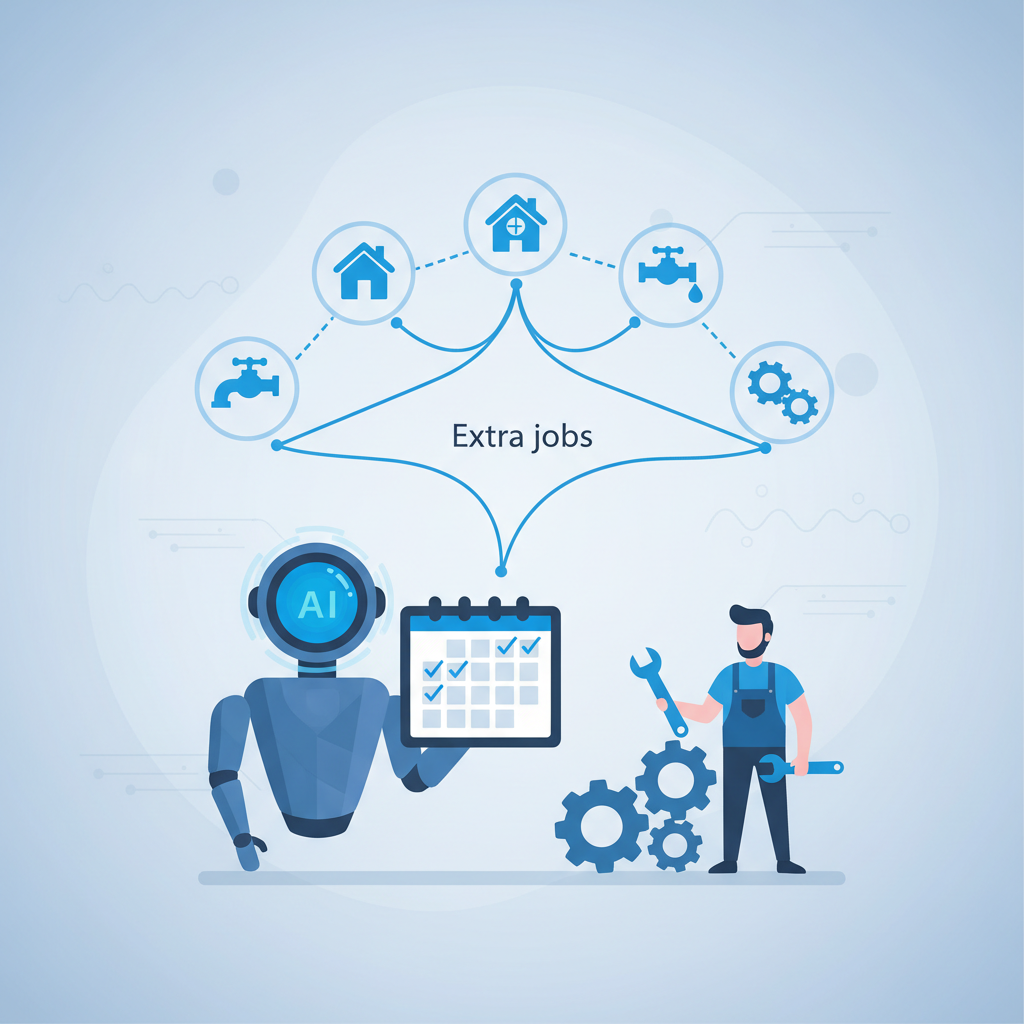
TL;DR. An AI receptionist for plumbers is an automated system that answers inbound phone calls 24/7, qualifies leads based on your criteria, and books confirmed jobs directly into your CRM like ServiceTitan or Jobber. Unlike a traditional answering service that just takes a message, a true AI receptionist integrates with your scheduling and dispatch software to check technician availability and write new job data in real-time. By leveraging voice AI platforms like Bland.ai, custom logic built in Voiceflow, and telephony infrastructure from Twilio, these systems can capture thousands in after-hours emergency revenue, reduce no-show rates by up to 30% with automated appointment confirmations, and cut front-office payroll costs. This isn't a futuristic concept; it's a deployable tool for gaining a competitive edge today.
The phone is the lifeblood of a plumbing business. Every missed call, especially after hours, is a potential emergency job—and thousands of dollars in revenue—handed directly to a competitor. The standard solutions are a compromise. A full-time human receptionist is a significant payroll expense, clocking in at over $35,000 annually before benefits, and they only work 40 hours a week. A generic answering service is better than voicemail, but they can't answer specific questions, qualify leads intelligently, or book jobs directly into your system, leading to delays and lost customers. An AI receptionist offers a third, more powerful path.
What is an AI Receptionist for Plumbers?
An AI receptionist for plumbers is a specialized voice automation system designed to handle the complete front-desk workflow for a home service business. It goes far beyond a simple Interactive Voice Response (IVR) menu ("Press 1 for scheduling..."). This is a conversational AI that understands natural language, is trained on plumbing-specific services and terminology, and—most critically—has deep, two-way integration with your core business software.
It acts as a digital employee with API access to your systems. It can:
- Read data: Check real-time technician availability in ServiceTitan or Housecall Pro.
- Write data: Create a new customer profile, log a new job with all relevant details, and assign it in the CRM.
- Execute logic: Follow custom scripts to qualify a lead, determine if it's an emergency, confirm the service area, and provide basic pricing information.
This isn't a passive message-taker. It is an active, integrated part of your sales and operations process.
The 5 Core Use Cases for an AI Plumber's Receptionist
An AI receptionist isn't just about cost savings; it's about revenue capture and operational efficiency. It executes specific, high-value tasks that directly impact your bottom line.
H3: 24/7/365 Inbound Call Handling & Job Booking
Emergency calls don't respect business hours. A burst pipe at 2 AM on a Saturday is a high-value, high-urgency job. If that call goes to voicemail, you have a 0% chance of winning it. An AI receptionist answers instantly, any time of day. It can be programmed with emergency logic:
- Identify Urgency: The AI asks, "Is water actively leaking right now?"
- Qualify Location: "What is the service address? Let me confirm you're in our service area."
- Check Availability: The AI makes a real-time API call to your CRM to check for an on-call technician's availability.
- Book the Job: If a slot is open, the AI collects the customer's name and number, confirms the dispatch fee, and books the appointment directly into the system, triggering a notification to the on-call tech.
This single capability can capture tens of thousands of dollars in otherwise lost revenue annually.
H3: Intelligent Lead Qualification
Not all calls are created equal. Your dispatcher's time is valuable and should be spent on high-intent, qualified customers. The AI acts as a filter, asking the crucial questions upfront:
- "Are you the homeowner or authorized to make decisions about the property?"
- "Is this for a residential or commercial property?"
- "Can you briefly describe the issue? For example, is it a clogged drain, a leaking faucet, or a water heater problem?"
- "What is the zip code for the service address?"
The transcribed answers are logged directly into the customer notes in your CRM before a human ever touches the job. This ensures the dispatcher or technician arrives on-site with full context, improving efficiency and customer perception.
H3: Outbound Appointment Reminders & Confirmations
No-shows are a drain on resources. A truck roll costs money in fuel and labor, and an empty slot is lost revenue. An AI receptionist can automate outbound calls to reduce this waste. 24 hours before a scheduled appointment, the AI can call the customer and say: "Hi, this is the automated assistant from [Your Plumbing Company] confirming your appointment for tomorrow at 2:00 PM. To confirm, please press 1. If you need to reschedule, please press 2 to be connected to our office."
This simple workflow is proven to work. Industry data shows that automated reminders can reduce no-show rates by a range of 20-30%. For a busy plumbing shop, that translates to several additional completed jobs per week.
H3: Handling Common FAQs (Pricing, Service Area)
A significant portion of inbound calls are simple, repetitive questions that don't require a licensed plumber or a skilled dispatcher to answer.
- "Do you service the town of [Town Name]?"
- "What's your dispatch fee?"
- "Are you licensed and insured?"
- "What are your business hours?"
The AI can be trained on a knowledge base of your company's specific information. It can check a list of zip codes to confirm service areas or state your standard dispatch fee, freeing up your human team to focus on complex quotes and customer escalations.
H3: Seamless Human Handoff for Complex Cases
An AI receptionist is not meant to handle every possible scenario. A key part of a well-designed system is knowing when to escalate to a human. The AI can be programmed to detect certain keywords (e.g., "complaint," "manager," "billing issue") or sentiment (detecting frustration in the caller's tone).
When an escalation trigger is met, the AI can execute a warm transfer: "I understand your frustration. This sounds like a situation that requires personal attention. Please hold while I connect you directly to our office manager."
The call is then seamlessly routed to the appropriate person's phone, along with a screen-pop or text message containing the caller's information and a summary of the conversation so far.
What Unites Them: CRM Integration is Non-Negotiable
The defining characteristic that separates a true AI receptionist from a glorified answering service is deep, two-way API integration. Without the ability to read and write data from your core business systems—your CRM and scheduling software—the AI is functionally useless.
- Read Access: It needs to see technician schedules to know when it can book a job. It needs to see customer history to know if it's talking to a new lead or a returning client.
- Write Access: It must be able to create a new customer record, create a new job ticket, add notes from the qualification call, and update appointment statuses (e.g., from "Scheduled" to "Confirmed").
This integration is what allows the AI to complete tasks, not just take messages. When evaluating any provider, your first question should be, "Show me a live demo of your system creating a job in ServiceTitan/Jobber/Housecall Pro." If they can't, you're looking at a toy, not a tool.
How to Evaluate an AI Receptionist Provider
When you're ready to invest, assess potential solutions against these technical and business criteria.
- Integration Depth & Reliability: Do they have a pre-built, documented integration for your specific CRM? Is it a "native" integration or a fragile, custom-built connector? Ask for uptime statistics and references from other plumbers using your same software stack.
- Voice Quality & Latency: Test it yourself. The voice should be clear, natural-sounding, and responsive. High latency—a long pause between the caller finishing a sentence and the AI responding—creates a frustrating, unnatural experience. Modern platforms like Bland.ai have achieved latency below 500ms, which is nearly indistinguishable from a human conversation.
- Customization & Control: Your business is unique. You need to be able to edit call scripts, define your qualification questions, update your service area list, and change your pricing logic without filing a support ticket and waiting three weeks. Demand a user-friendly interface for managing the AI's knowledge base and business rules.
- Cost Structure vs. ROI: Analyze the pricing model. Is it a flat monthly SaaS fee, a per-minute cost, or a per-call fee? Compare this directly against your alternatives. A human receptionist costs a median of $17.11/hour, plus benefits, and only works 40 hours/week. A single missed emergency call can cost over $1,500. A well-priced AI receptionist should provide a clear ROI within months, not years.
- Reporting & Analytics: You can't manage what you can't measure. The system must provide a dashboard with key metrics: total calls handled, jobs booked automatically, call duration, qualification success rate, and full call transcripts and recordings for quality assurance.
Treat this as you would any other equipment purchase. It's a piece of operational machinery for your front office. It needs to be reliable, effective, and generate a positive return.
Frequently asked questions
H3: How much does an AI receptionist for plumbers cost?
The cost varies based on the provider and model. Some charge a flat monthly SaaS fee, typically from $300 to $1,000+, depending on call volume and feature complexity. Others use a pay-as-you-go model, charging per minute (e.g., $0.15-$0.50/minute) or per call. Setup and integration fees can also apply. When evaluating cost, compare it to the fully-loaded cost of a human receptionist (median salary of $35,580/year plus benefits) and the potential revenue from just one or two captured after-hours emergency calls per month, which can easily exceed $2,000.
H3: Can an AI receptionist handle angry customers?
Partially. A well-designed AI can be programmed to detect keywords associated with frustration (e.g., "angry," "complaint," "unhappy") or negative sentiment in the caller's tone. When these triggers are detected, the system's primary goal is not to solve the problem but to escalate it effectively. The AI should immediately execute a warm transfer to a designated human manager or senior staff member, providing them with the context of the call so far. It de-escalates by quickly getting the customer to a person empowered to solve their problem.
H3: What CRMs can an AI receptionist integrate with?
The best AI receptionist providers focus on deep integrations with major home service CRMs. The most common and critical integrations are for ServiceTitan, Jobber, and Housecall Pro. Other platforms like FieldEdge or custom-built systems can often be integrated via their APIs, but this may require additional development work. Before committing to a provider, you must confirm they have a robust, pre-built, two-way integration with the specific CRM your business runs on. Ask for a live demonstration of the integration in action.
H3: Is an AI receptionist better than a human answering service?
For specific, repeatable tasks, yes. A traditional answering service primarily takes messages and relays them. An integrated AI receptionist is a superior solution because it can perform actions in real-time: check your actual schedule, book a confirmed job directly into your CRM, and provide accurate answers to FAQs. This reduces the delay between a customer's call and a booked job, increasing your booking rate. However, for complex problem-solving or high-empathy situations, a human is still essential. The best strategy often combines an AI for front-line 24/7 coverage with a clear escalation path to your skilled human team.
H3: How long does it take to set up an AI receptionist?
Setup time depends on the complexity and the provider's platform. For a provider with a pre-built integration to your CRM (e.g., ServiceTitan), a basic setup can be completed in as little as one to two weeks. This involves porting or forwarding a phone number, configuring the basic call scripts, and connecting the APIs. A more customized setup with complex logic, multiple call-flows, and training on a large knowledge base might take three to six weeks. The critical path is nearly always the CRM integration and testing phase.
H3: Will my customers know they're talking to an AI?
It's best practice to be transparent. The call can begin with a simple, "Hi, you've reached [Your Company]'s automated assistant." Modern voice AI is remarkably human-like, with low latency and natural intonation, so many callers may not realize it otherwise. However, transparency builds trust and sets expectations correctly. The goal isn't to trick the customer; it's to provide them with faster, more efficient service. Most customers prefer getting their emergency job booked instantly by an AI at 2 AM over leaving a voicemail and hoping for a call back.
Sources and methodology
This article is based on Lead Flow Automation's first-hand experience building and deploying voice AI systems for service-based businesses, combined with publicly available industry data.
- The median salary for a receptionist ($35,580/year or $17.11/hour as of May 2023) is sourced from the U.S. Bureau of Labor Statistics Occupational Outlook Handbook.
- The potential cost of a single missed call for a home service business ("from a few hundred dollars to thousands") is cited from educational content published by ServiceTitan.
- The estimated reduction in no-show rates from automated reminders (a range of 20-30%) is a widely cited industry convention from appointment scheduling and communication platforms.
- Named technology platforms include ServiceTitan, Jobber, Housecall Pro, Voiceflow, Bland.ai, and Twilio.